Cloud Sync Without Passwords: OTP Login, Share Links, and the Billing Dashboard
Passwords are the worst part of every small tool. You invent one, forget it, reset it through an email loop, and eventually reuse the same password you use everywhere — which is exactly how accounts get breached. So when we added optional cloud features to Free Invoice Generator, we skipped passwords entirely. Email OTP login is the only credential: type your email, type the 6-digit code from your inbox, done. This guide walks through everything the cloud layer adds — sync across devices, public share links, email sending, and the billing dashboard — and what stays local.
How OTP login works (and why it is safer)
- Click Login in the header and enter your email address.
- A 6-digit one-time code arrives in your inbox within seconds.
- Type it in. You are logged in — no password created, none stored, none to leak.
Each code works once and expires quickly. There is no password database to breach and nothing for you to remember. Your email inbox — which you already secure — becomes the key. If you have ever run a "forgot password" loop three times in one week, you already understand the appeal.

What cloud sync actually syncs
The app is local-first — everything works without an account. Logging in adds a cloud copy on top:
- Cloud drafts. Save an invoice to the cloud from your laptop, open it on your phone, continue editing. Same document, same numbering.
- Published invoices. Finalizing an invoice in the cloud gives it a permanent record and a share link.
- The Billing Dashboard. A separate view listing every cloud invoice with status, totals, and client-wise outstanding amounts — your receivables at a glance from any browser.
Guest users (no login) can publish a couple of share links per day as a taste; logged-in users get their full history and management tools. The editor itself is never rationed.
Public share links: the professional way to deliver an invoice
When you publish an invoice, you get a clean public URL. Anyone with the link sees a read-only, correctly formatted copy of the invoice — on their phone, without downloading anything or creating an account. Why this beats attaching a PDF:
- It always opens. No "file too large", no blocked attachment, no wrong-app-opens-PDF drama on mobile.
- It is always current. Recorded a partial payment? The link shows the updated balance due.
- It pairs perfectly with WhatsApp. The share flow drops the link into a pre-filled chat message with the amount and invoice number.
- The client can still download. The share page offers the same print-quality PDF.
Email sending, without leaving the app
Logged-in users can email an invoice directly from the editor — the client receives a professional message with the invoice details and share link. One less app-switch, and the send is recorded with the invoice so you know exactly when it went out.
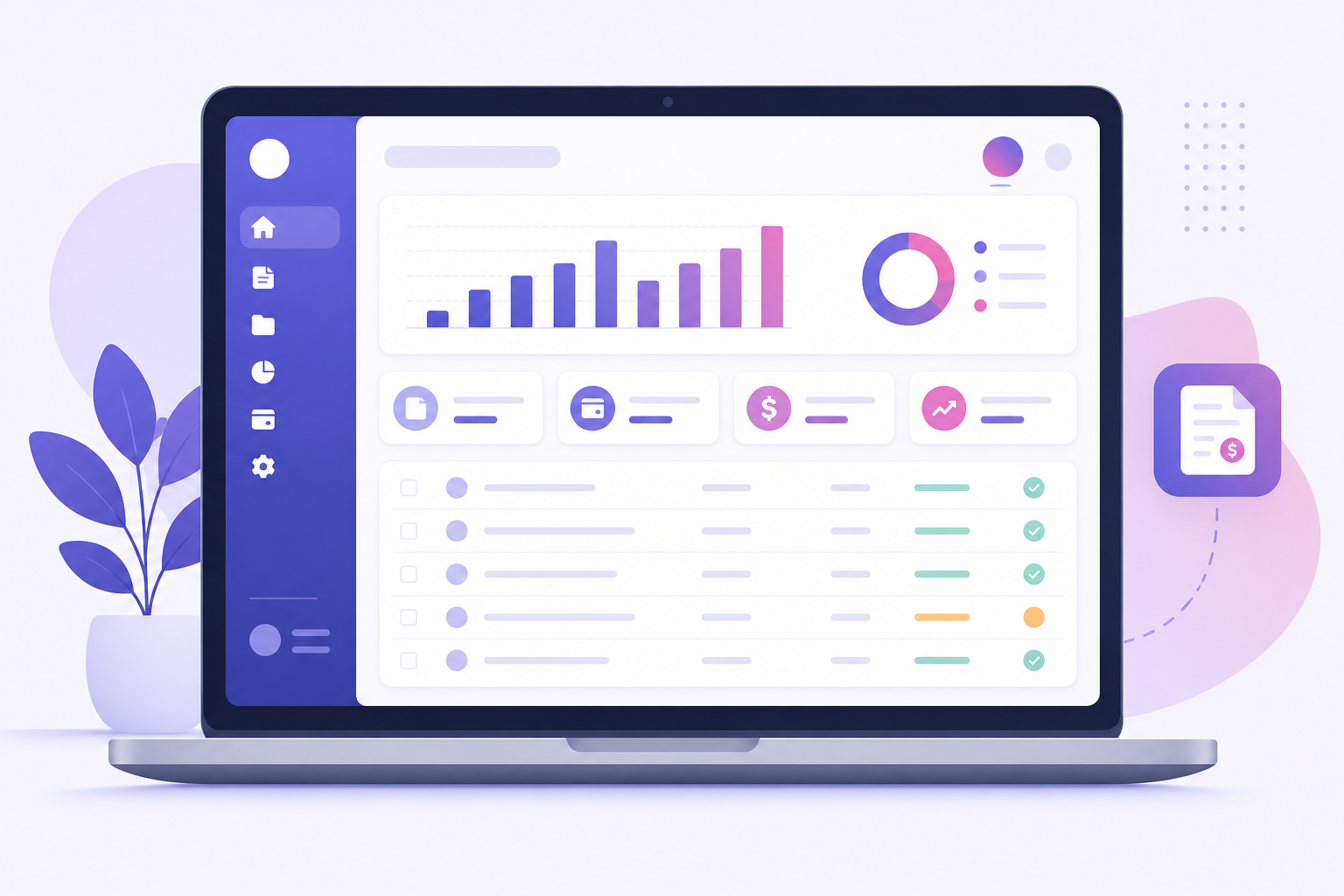
The Billing Dashboard: small-business receivables, minus the spreadsheet
Open the dashboard and you get what most people maintain painfully in Excel:
| View | What it answers |
|---|---|
| Invoice list | Every cloud invoice with number, client, date, amount, and paid/unpaid status |
| Client ledgers | Who owes you how much, across all their invoices |
| Payment recording | Mark invoices paid (fully or partially) and watch outstanding totals update |
| Totals and stats | Billed vs collected vs outstanding — your cash-flow picture in one row |
Because it is web-based and tied to your OTP login, the dashboard works from any device — check who has paid from your phone while standing in line at the bank.
Local vs cloud: what lives where
| Data | Without login | With OTP login |
|---|---|---|
| Drafts & autosave | Your device (IndexedDB) | Your device + optional cloud copies |
| Clients & catalog | Your device | Your device (backup via JSON export) |
| Published invoices | Limited daily share links | Full history in the dashboard |
| PDF / print | On-device, unlimited | On-device, unlimited |
Getting set up in two minutes
If you have been using the app as a guest, nothing about your workflow changes — logging in adds capability without moving your cheese:
- Login from the header with your email and the 6-digit code.
- Your local drafts stay exactly where they were, on your device. Nothing uploads without you asking.
- When an invoice matters beyond this device — you want it on your phone, or you want a share link — save it to the cloud explicitly.
- On your second device, log in with the same email. Your cloud invoices and dashboard are there; the two devices now share a history.
This "explicit sync" model is deliberate. Tools that auto-upload everything feel convenient until you realise your entire client list went to a server you never thought about. Here, the boundary between local and cloud is a decision you make per document, and both sides of the boundary are visible.
What we never see
Worth stating plainly: guest usage involves no account, and even logged in, your local drafts, clients, and catalog stay in your browser's vault. The server holds what you chose to publish or save to cloud — that is what makes share links and multi-device access possible — and OTP login means there is no password of yours to protect or lose. If you ever want out, your data exports to JSON and CSV in one click each, with no retention hostage-taking.
Security habits worth keeping
- Guard the inbox. Your email is the key — enable two-factor authentication on your email account and OTP login inherits that strength.
- Never forward codes. No legitimate person will ever ask for your 6-digit code. A code is only ever typed into the app by you.
- Log out on shared machines. One click in the header. Your local drafts remain in that browser's vault, so also export a JSON backup and clear data if the machine is not yours.
What if I lose access to my email?
Your email is the account, so treat it as such — the same way you would for banking. If you change email addresses, log in with the new one going forward and keep a JSON backup of your local data as the bridge. Nothing about your local drafts, clients, or catalog depends on the account at all.
The short version: stay logged out and the app is a private, offline tool. Log in with one email code and it grows sync, share links, email sending, and a receivables dashboard. Both modes are free.
Related reading: sending invoices on WhatsApp builds directly on share links, and the payment terms guide helps the invoices you sync actually get paid.