How to Send Invoices on WhatsApp: Share Links, PDFs, and Polite Reminders
Email is where invoices go to be "seen later". WhatsApp is where they get opened in ninety seconds. For freelancers and small businesses in India — and increasingly everywhere — learning to send invoices on WhatsApp properly is the single fastest upgrade to your collection speed. This guide covers the built-in WhatsApp share flow in Free Invoice Generator, when to send a link versus a PDF, and copy-paste payment reminder templates that stay friendly while getting results.
Why WhatsApp beats email for invoicing
- Open rates. WhatsApp messages are typically read within minutes; invoice emails routinely sit for days or land in Promotions.
- It is where the conversation already is. Most small-business deals are discussed on WhatsApp — the invoice belongs in the same thread as the "yes, go ahead".
- Instant confirmation. Two ticks tell you it arrived; blue ticks tell you it was seen. Email gives you silence.
- Payment friction drops. The client is already on their phone — the same device they will pay from with UPI.
The built-in share flow, step by step
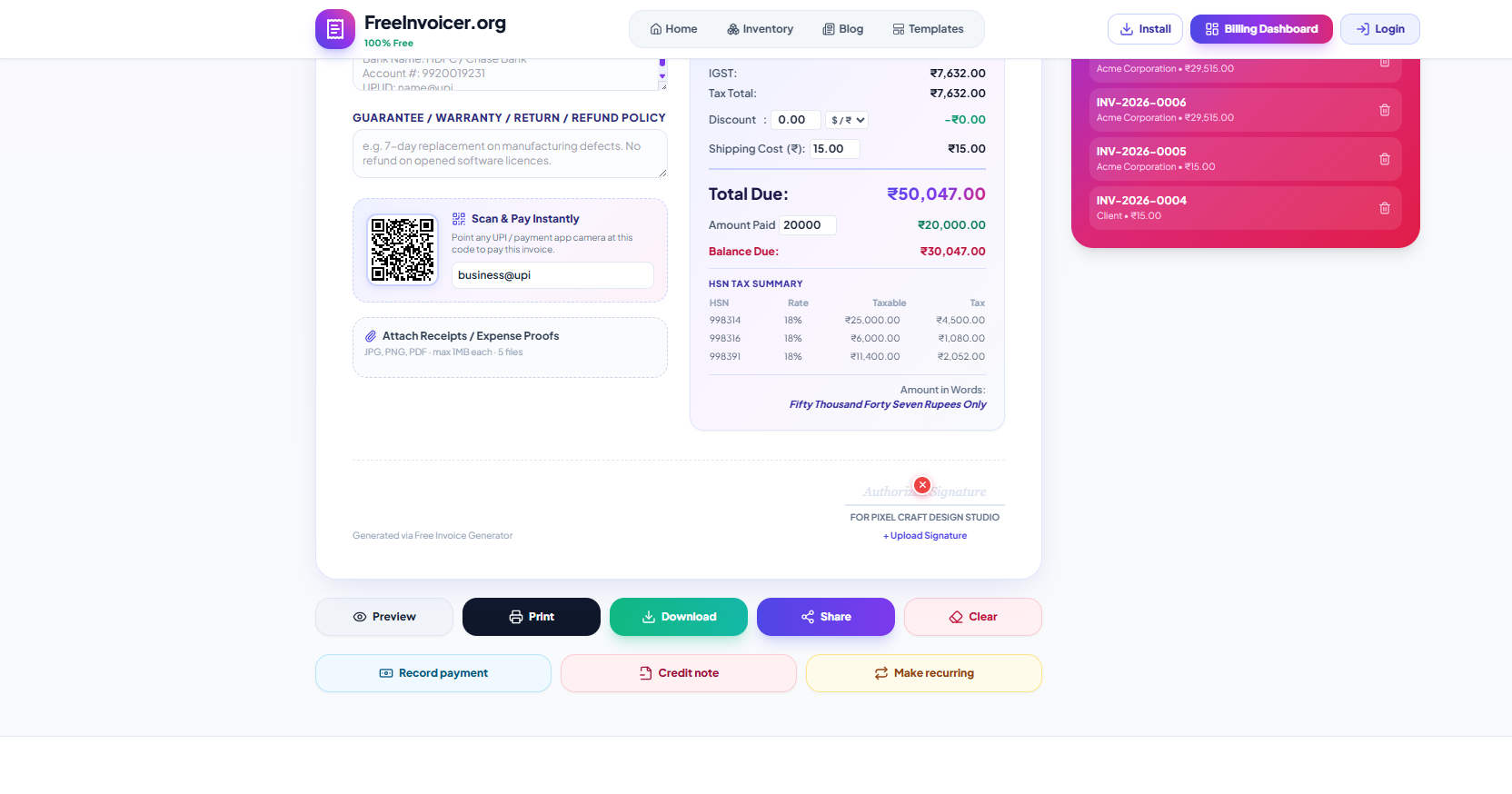
- Finish your invoice and hit Share.
- Choose WhatsApp Direct. If the client's phone number is on the invoice, the chat opens straight to that number — no contact-saving dance.
- A message is pre-filled for you: invoice number, amount due, due date, and the public link. Edit it or send as-is.
The link is a public share link — the client taps it and sees a clean, read-only copy of the invoice in their browser, correctly formatted for mobile, with a download button for the PDF. No app to install, no account to create, no attachment to lose.
Link or PDF? Use both, in this order
| Share link | PDF attachment | |
|---|---|---|
| Opens on any phone | Instantly, in the browser | Depends on the viewer app |
| Shows updated balance | Yes — reflects partial payments | No, frozen at send time |
| Works for accounts teams | Good | Better — they archive PDFs |
| Printable | Via the download button | Directly |
Our recommended habit: send the link on WhatsApp for speed, and email the PDF when the client has a formal accounts process. The PDF is generated on your device with the exact same A4 layout you see in Preview — print-quality, one page, on every template. Need paper? The Print button gives the identical sheet straight to your printer.
Message templates that get replies
Sending the invoice
Hi Priya! Sending across the invoice for the April social media work — INV-2026-0018, ₹24,000, due 22 Aug. You can view and download it here: [link]. UPI QR is on the invoice if that's easiest. Thanks!
Gentle reminder (day after due date)
Hi Priya, hope the week's going well! Just a nudge on INV-2026-0018 (₹24,000) which was due yesterday. Here's the link again: [link]. Let me know if anything's needed from my side.
Firm but polite (a week overdue)
Hi Priya, following up on INV-2026-0018 — ₹24,000, now 7 days past due. Could you let me know the expected payment date? Happy to resend bank details or the UPI QR if useful. Link: [link]
Notice what these have in common: invoice number, exact amount, the link again (never make them scroll), and one specific, easy question. What they never contain: apologies for asking, or paragraphs of context. You did the work; the reminder is normal business.
Reminder timing that keeps relationships intact
- Due date −2 days: optional heads-up for large invoices.
- Due date +1: the gentle nudge. Most invoices clear here.
- +7 days: the firm follow-up with a direct question.
- +14 days: a phone call — and pause new deliverables until cleared.
Consistency matters more than tone. Clients pay the vendors whose reminders arrive like clockwork, because they know silence will not go unnoticed. The full escalation logic is in the payment terms guide.

Three WhatsApp invoicing mistakes to avoid
- Sending a photo of a paper invoice. Blurry, unprofessional, and useless for the client's records. A share link takes the same three seconds.
- Burying the invoice in conversation. Send it as its own message with the number and amount, so it is findable in chat search later.
- Reminding without the link. Every reminder should carry the link again. The goal is always: one tap from reading to paying.
Keep records like the professional you are
WhatsApp's informality is its strength and its weakness — chats scroll away, phones get replaced, and "I sent it on WhatsApp" is not a filing system. Three habits close the gap:
- The invoice itself is the record. Every document you share also lives in your local drafts (and the Billing Dashboard if you use cloud sync). The chat is just the delivery channel.
- Export monthly. The CSV export gives you a spreadsheet-ready list of everything issued — invaluable at tax time and a sanity check on what is still unpaid.
- Keep the PDF for closed deals. When an invoice is fully paid, the downloaded PDF is the artifact worth archiving to your drive or accountant folder.
Using WhatsApp Business? Even better
The free WhatsApp Business app (not the paid API) adds small features that pair nicely with this workflow: a business profile with your address and hours, quick replies you can load with your reminder templates from above, and labels like "Invoice sent", "Payment pending", and "Paid" that you can drag chats between. It takes ten minutes to set up and turns your chat list into a lightweight receivables board — not a replacement for the dashboard, but a handy phone-side view of who still owes you a reply.
Does this need WhatsApp Business API?
No. The share flow uses WhatsApp's standard click-to-chat, which works with regular WhatsApp and WhatsApp Business on any phone, for free. No API registration, no per-message fees, no template approvals. For a freelancer or small shop, this simple flow covers everything the paid API does — minus the invoice-volume automation you do not need yet.
The whole loop, end to end
Put the pieces together and invoicing a regular client looks like this: open the editor (your details and their details are already saved), insert catalog items, Preview, Share → WhatsApp Direct, send. Elapsed time: under two minutes, most of it deciding on wording. The client taps the link, scans the UPI QR, and pays before the chat scrolls. This is what invoicing should have felt like all along — and every part of that loop is free.
Related: the invoice you share should pass the 12-field checklist first, and printing a UPI QR on the sheet makes the WhatsApp-to-payment loop nearly instant.